For years, the default home for a company video was YouTube. You made a corporate film, uploaded it, embedded it on the website and hoped people pressed play. That default has changed. For B2B brands, LinkedIn is now where video gets watched, shared and talked about.
If you sell to other businesses in India, or you are a startup trying to look credible to investors, hires and clients, this shift should change how you plan your next corporate video.
What the 2026 data says
Wistia’s 2026 State of Video Report, based on a survey of nearly 1,000 marketing professionals and more than 13 million videos on its platform, found that 81% of businesses now name LinkedIn as a primary video channel, ahead of YouTube at 76% (as reported by PPC Land, May 2026). The same report found that 76% of teams resize their videos for different platforms, and 48% are increasing their distribution and promotion budgets.
LinkedIn’s own 2025 B2B Benchmark research, which surveyed 1,500 senior marketers across six countries, points the same way:
- 78% of B2B marketers already use video, and 56% plan to increase their video investment.
- The formats marketers say drive results are short-form social video (41%), brand storytelling (38%), and testimonials and demos (34%).
- 94% agree that trust is key to B2B brand success.
LinkedIn’s Creative Labs also analysed more than 13,000 B2B video ads and reported that emotionally resonant videos earned 44% higher view-through rates. In plain terms: on LinkedIn, the videos that make people feel something outperform the ones that list features.
Why LinkedIn changes how you plan a corporate video
A corporate video built for a website and a corporate video built for LinkedIn are not the same thing. Three differences matter most.
People watch in the feed, often with the sound off
On a website, someone chose to press play. In a LinkedIn feed, your video autoplays silently between a job update and a poll. The first few seconds must work visually, and the message needs on-screen text or captions. Animated titles and kinetic type, the kind of thing our motion graphics services add, stop being decoration and become essential.
One film is not enough
The Wistia finding that three in four teams resize video for different platforms reflects how B2B video is now used. A single two-minute brand film becomes a 60-second cut, three 20-second clips, a square version for the feed and a vertical version for mobile. Planning those cutdowns before the shoot, rather than hacking them out afterwards, is the difference between clips that feel native and clips that feel squashed.
Trust beats polish
LinkedIn audiences respond to people. Founders explaining why they started, engineers showing how something works, customers telling their own story. Over-produced corporate gloss can feel like an ad. The sweet spot is cinematic quality with a human voice: properly lit and mic’d interviews that still sound like real conversations.
Films, photos and content, planned and shot by one crew.
Five corporate video formats that work on LinkedIn
1. The founder story
Two to three minutes on why the company exists, told by the person who started it. This becomes your website hero film and your most-shared LinkedIn post. Cut a 45-second version for the feed.
2. Customer testimonials
One customer, one problem, one result. Testimonials and demos are among the formats B2B marketers say drive results, and they answer the question every buyer is quietly asking: has this worked for someone like me?
3. Product and process explainers
If what you sell is hard to film, such as software, a financial product or an internal process, an animated explainer video shows what footage can’t. Sixty to ninety seconds is usually enough.
4. Event and conference recaps
A fast-turnaround recap from a launch, summit or award night gives you a week of LinkedIn posts while the event is still fresh. Pair it with corporate event photography so your carousel posts and press coverage match the video.
5. Team and culture films
Recruitment is a huge part of what happens on LinkedIn. A short film about how your team works, plus consistent corporate headshots for everyone featured, makes your company page look like a place people want to join.
How to plan a LinkedIn-first corporate video shoot
- Start with the one message. What should a viewer understand after 20 seconds? Build the script around that, not around everything you could say.
- List every cutdown before the shoot. Decide the hero film length, the feed cuts and the aspect ratios (16:9, 1:1 and 9:16) up front, so the crew frames shots that work in all of them.
- Plan interviews, not speeches. Prepared questions get natural answers. Scripts read aloud rarely do.
- Capture extra B-roll. Offices, hands at work, the product in use. B-roll is what keeps feed clips moving and gives you material for months.
- Design captions and titles as part of the edit. Assume most people will never turn the sound on.
- Shoot photos on the same day. Stills from the set become thumbnails, carousel posts and website images, all matching the film.
This is how we run corporate video production in Delhi NCR: one story call, one script and shot list you approve, one shoot day, then a hero film plus every cutdown you need, shot in 4K and edited by the same crew.
What about YouTube?
YouTube still matters, and 76% of businesses still use it as a primary channel. It is better for long videos people search for, like tutorials and webinars, and it helps your videos show up in Google. The point is not to abandon YouTube. It is to stop treating LinkedIn as a place where you paste a YouTube link. Upload natively, cut for the feed and post on a schedule.
A quick checklist before you post
- Does the first frame make sense without sound?
- Is there a clear message in the first five seconds?
- Are captions burned in or uploaded?
- Is it the right aspect ratio for the feed (usually square or vertical)?
- Does a real person appear on screen?
- Is there one clear next step: visit, book, apply or follow?
Where to start
If your company has never made video for LinkedIn, start with one founder story and three short cuts from the same shoot. Post them over a month and watch which one gets shared.
Selling to consumers rather than businesses? Our guide to episodic reels series covers the same thinking for Instagram.
Ready to plan a corporate video built for the feed? Send us your brief and we will come back within 3 working days with ideas and a clear quote.
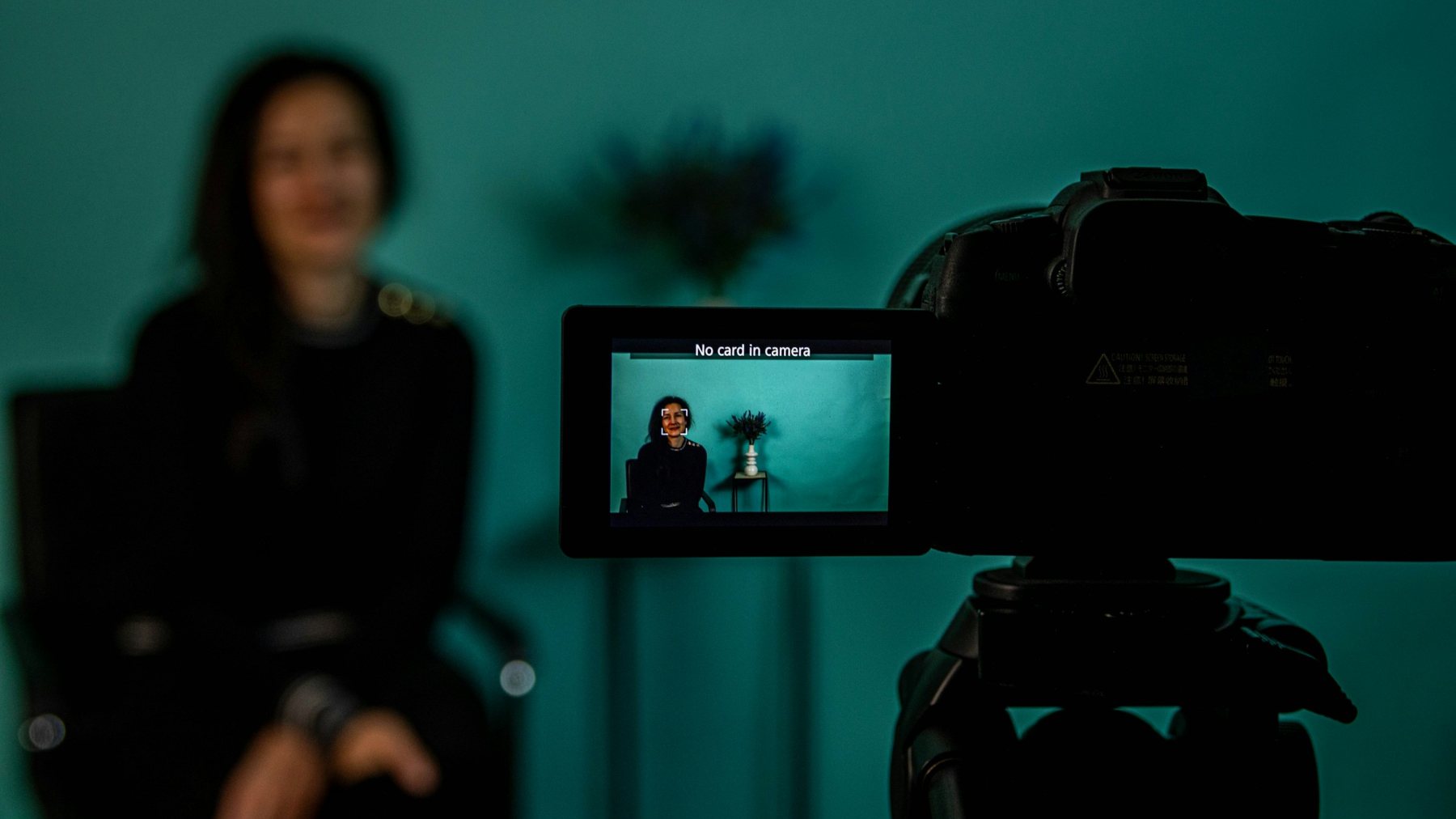
Cover photo: dlxmedia.hu on Unsplash.

Nishant is the founder of NerdKlicks and the photographer and cinematographer behind its shoots. An AAFT (Asian Academy of Film & Television) alumnus from Noida, he plans, shoots and edits brand films, corporate videos and photo shoots for brands across Delhi NCR, and travels with a camera in hand to tell visual stories.